Payments overview
Updated Oct 23, 20261 min read
Whether or not you collect payments through Initio, this applies to you.
Quick answer
- Clients pay into your firm's trust account through Confido Legal.
- To collect through Initio, apply once. Review: usually 2–3 business days.
- Not collecting payments through Initio? Turn them off in Settings.
Where the money goes
Each client payment goes into your firm's trust account, through Confido Legal. There's a fee per payment, no monthly fee, and Initio adds nothing on top. The only setup is one application, done from your dashboard.
SettingsConnected services
What the card says
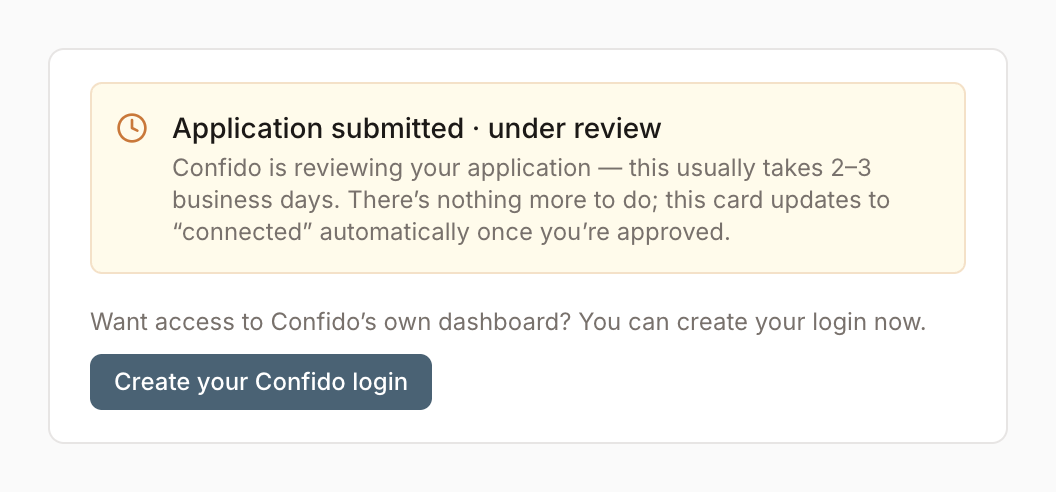
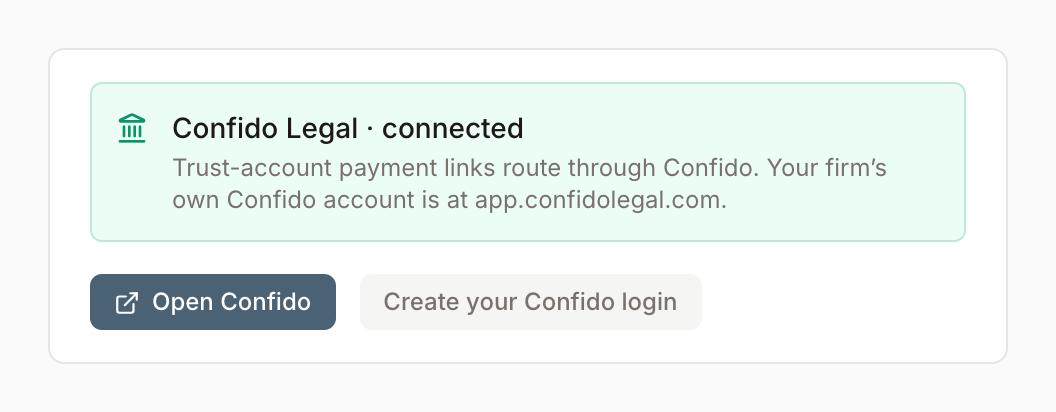
Once you submit, the Connected services card reads one of two ways. Check back after a few days.
Taking payments another way
Payments through Initio are optional. Turn them off in Settings › Client intake: fee agreements then go out without a payment link, and the matter opens once signed.
Turn client payments offWas this helpful?
It helps us improve these pages.