How to apply for Confido Legal
Updated Oct 29, 20261 min read
Owner
To collect client payments through Initio, the firm owner fills out Confido Legal's application in the dashboard. It takes about ten minutes, and you don't have to finish it in one sitting.
Fill out the application
- Go to SettingsConnected services. The application is on that page, under Confido Legal.
- Fill in your firm's business and tax details, the bank account deposits go to, and identity verification for you as the firm's owner. Your progress is saved as you go, so you can leave and come back to it.
- Submit the application.
Connected services then shows “Application submitted · under review”.
When you can accept clients
Confido Legal reviews the application, usually in 2–3 business days. There's nothing more for you to do.
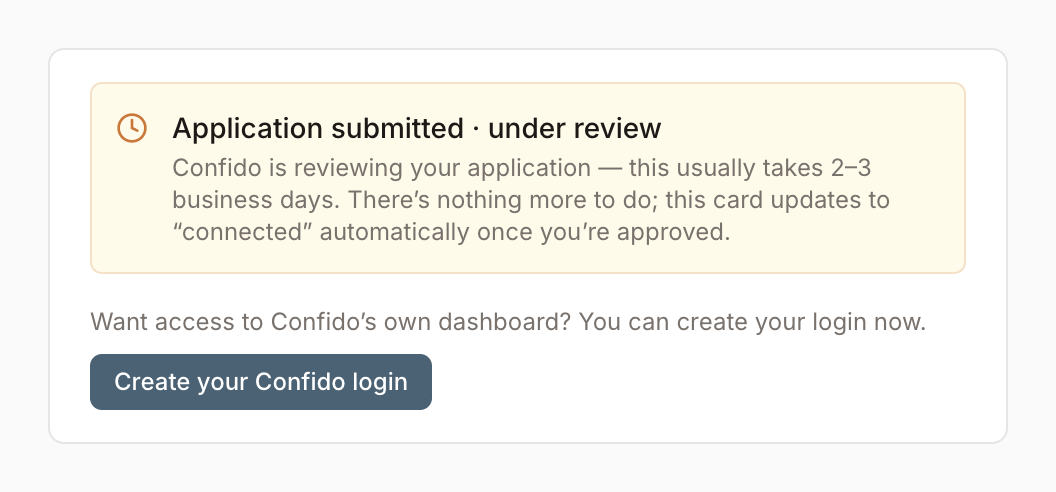
You can accept clients once Confido Legal approves the application, not when you submit it. Approval changes Connected services to “Confido Legal · connected” on its own. Initio doesn't email you when it happens, and a dashboard you already have open can take a few minutes to show it.
Was this helpful?
It helps us improve these pages.